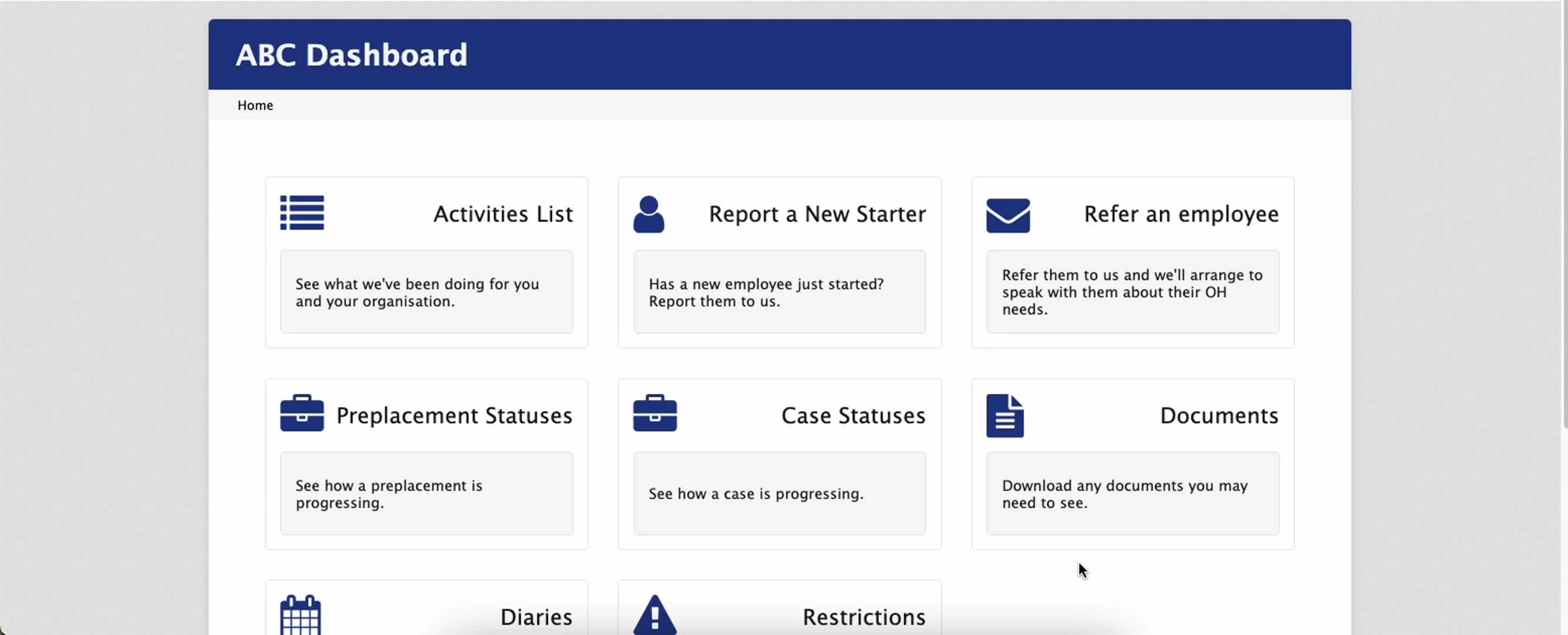
Viewing your recalls is now easier than ever
Log in to orchid
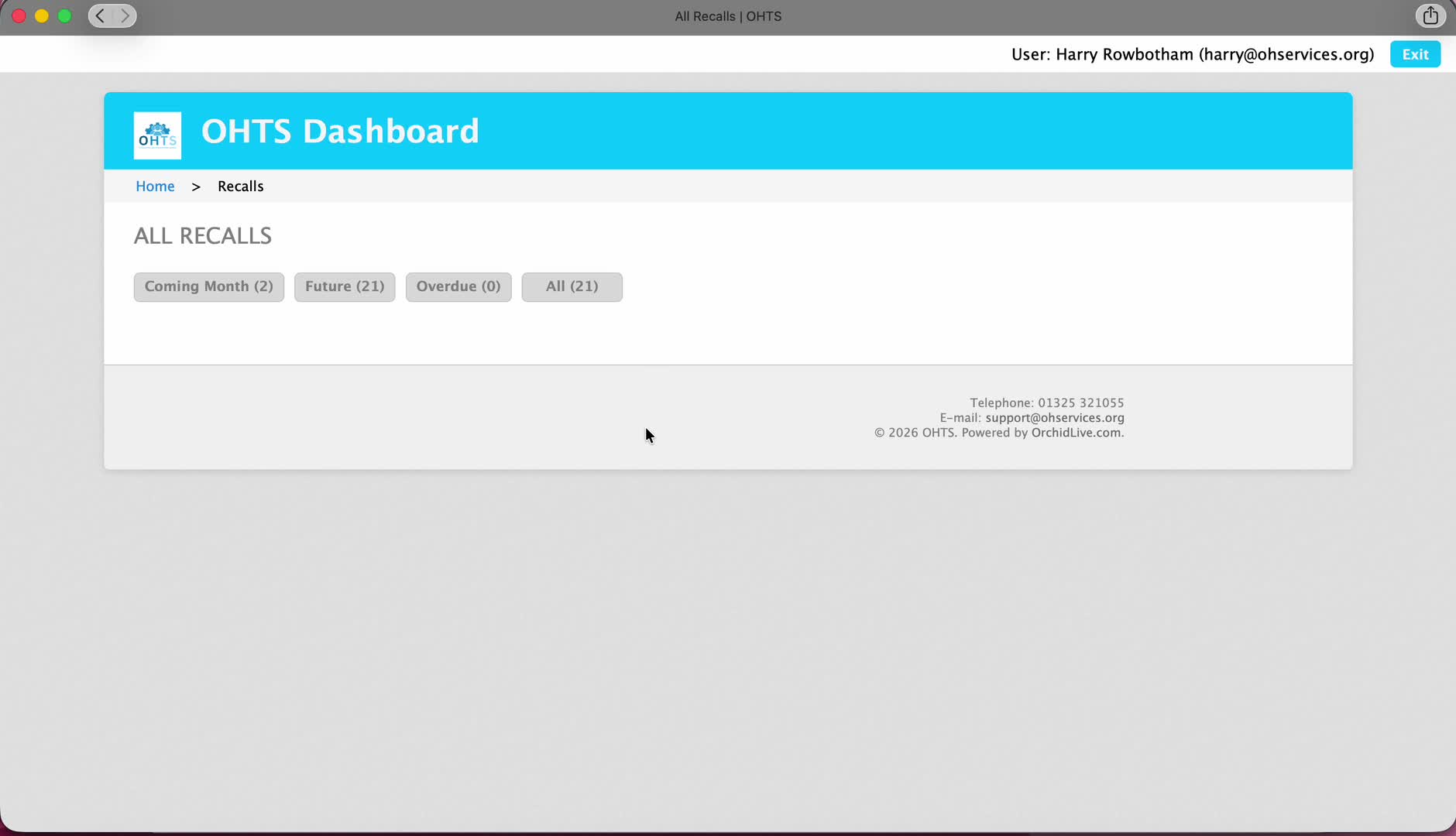
Select All Recalls
You will see the list of employees with recall dates documented next to them
The list is formatted to the nearest due first. This will aid you in booking priorities
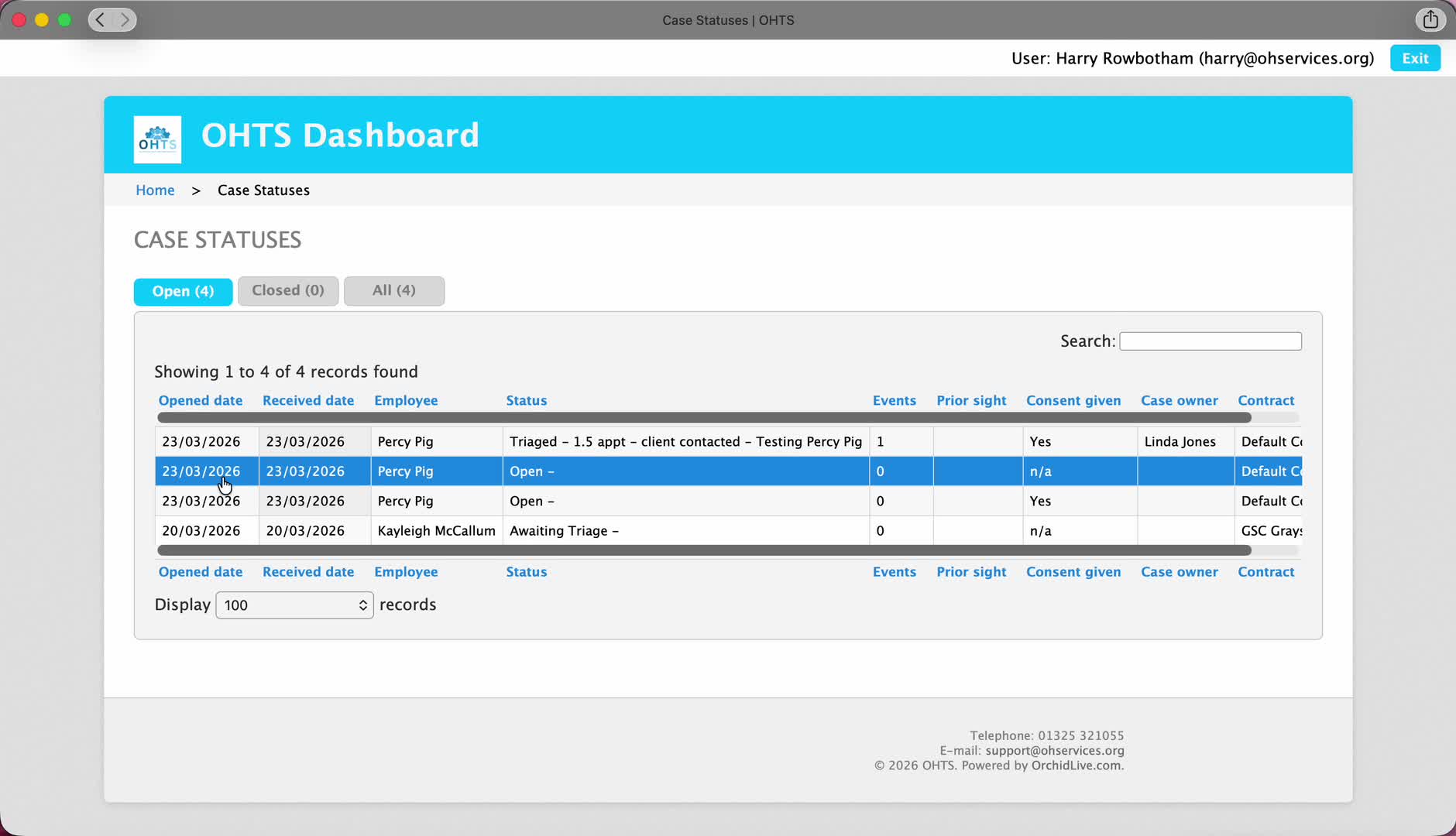
You can now view where employees are at within the relevant process.
Log in to orchid
Select Case status
Your current list of cases will be displayed in front of you
the list will state at which point the employee is within the process from triage to in progress and complete
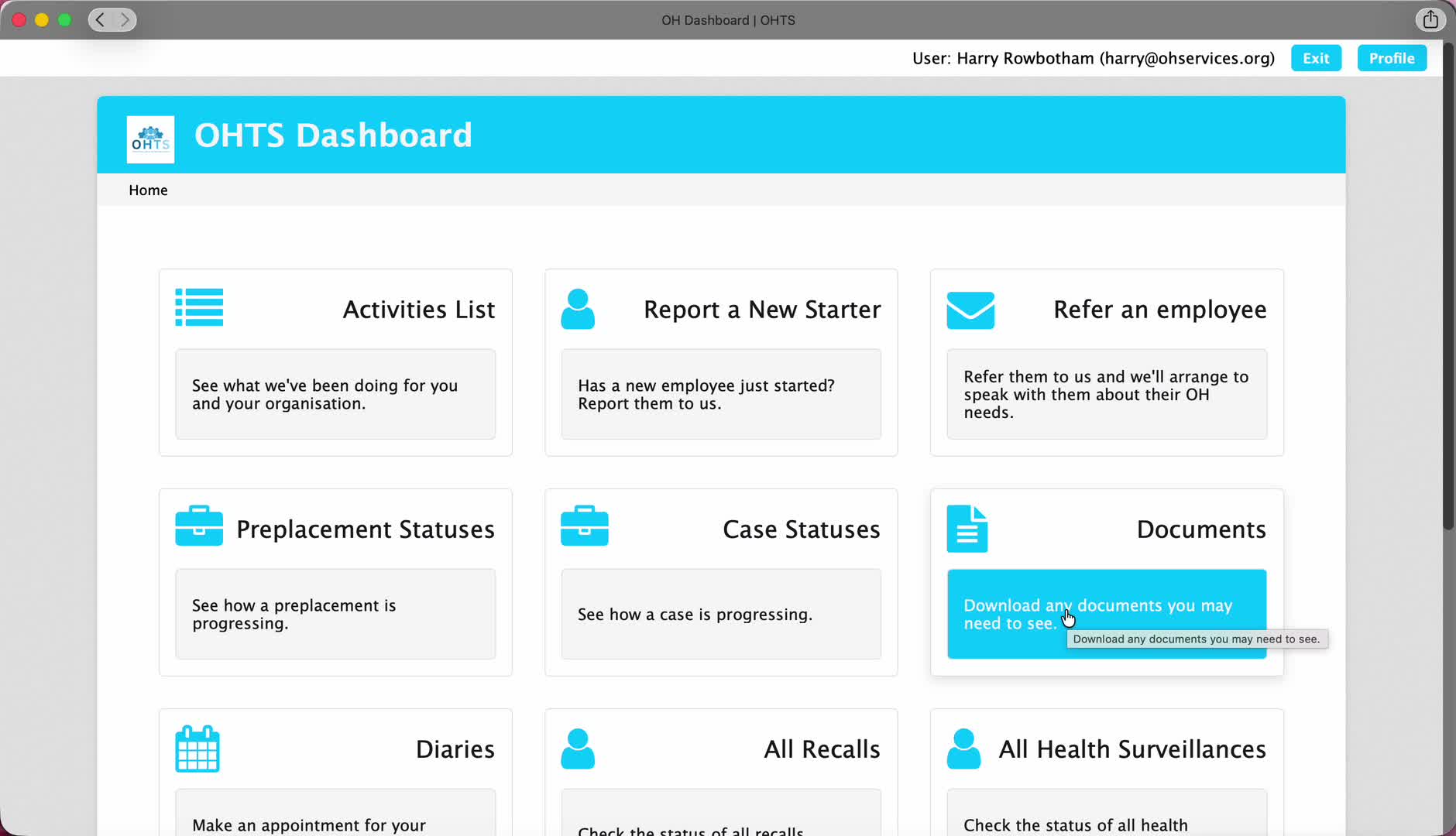
Finding your employees completed reports has never been more simple.
Log into orchid
Select Documents
A list of your ready reports will be displayed in front of you
You can download reports from the list.
This process shows how to log into orchid for the first time.
Click Orchid live in the top banner of the website
Click ‘Log in to Orchid’
Click ‘reset password’
Type in your work email or email used for previous system (Apollo)
Await the password reset email
Once email is received, follow the steps and reset your password
Then Click Orchid live in the top banner of the website
Click ‘Log in to Orchid’
Log in with Email and NEW password to access the portal.
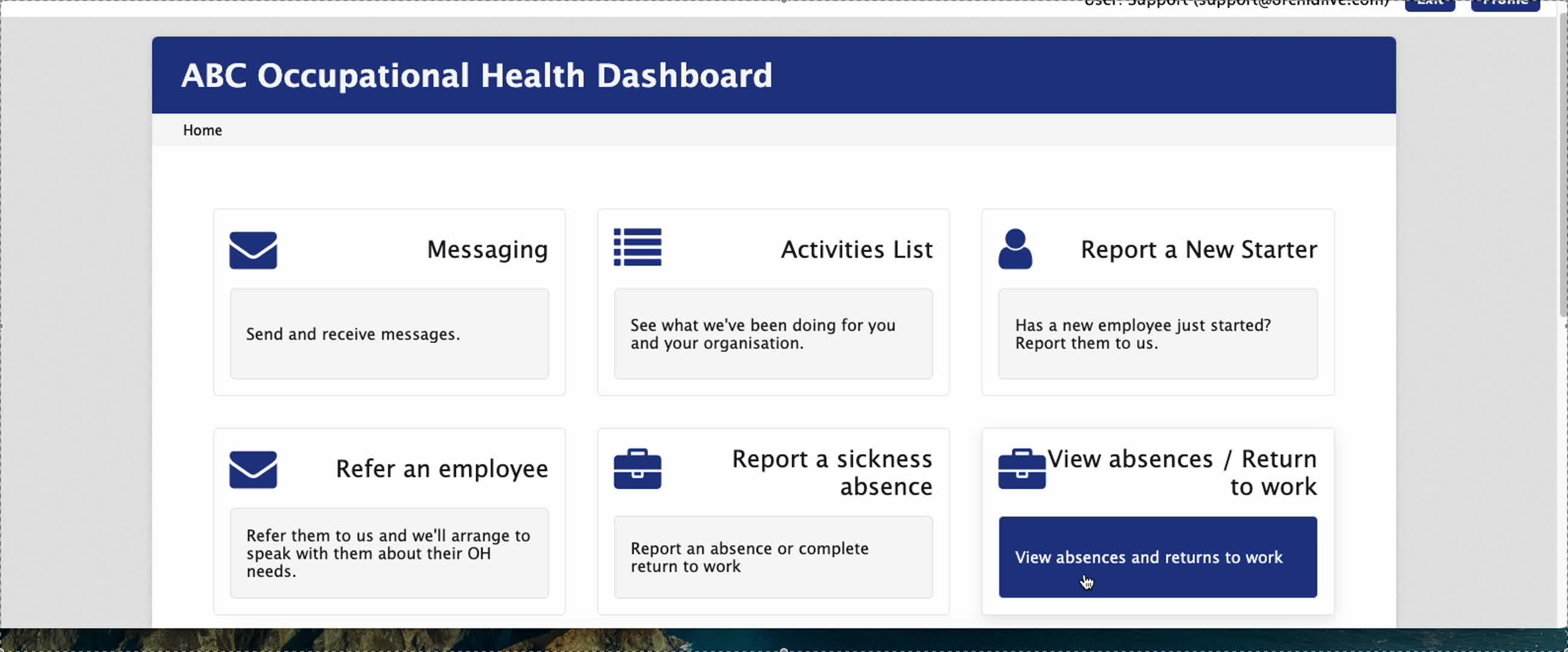
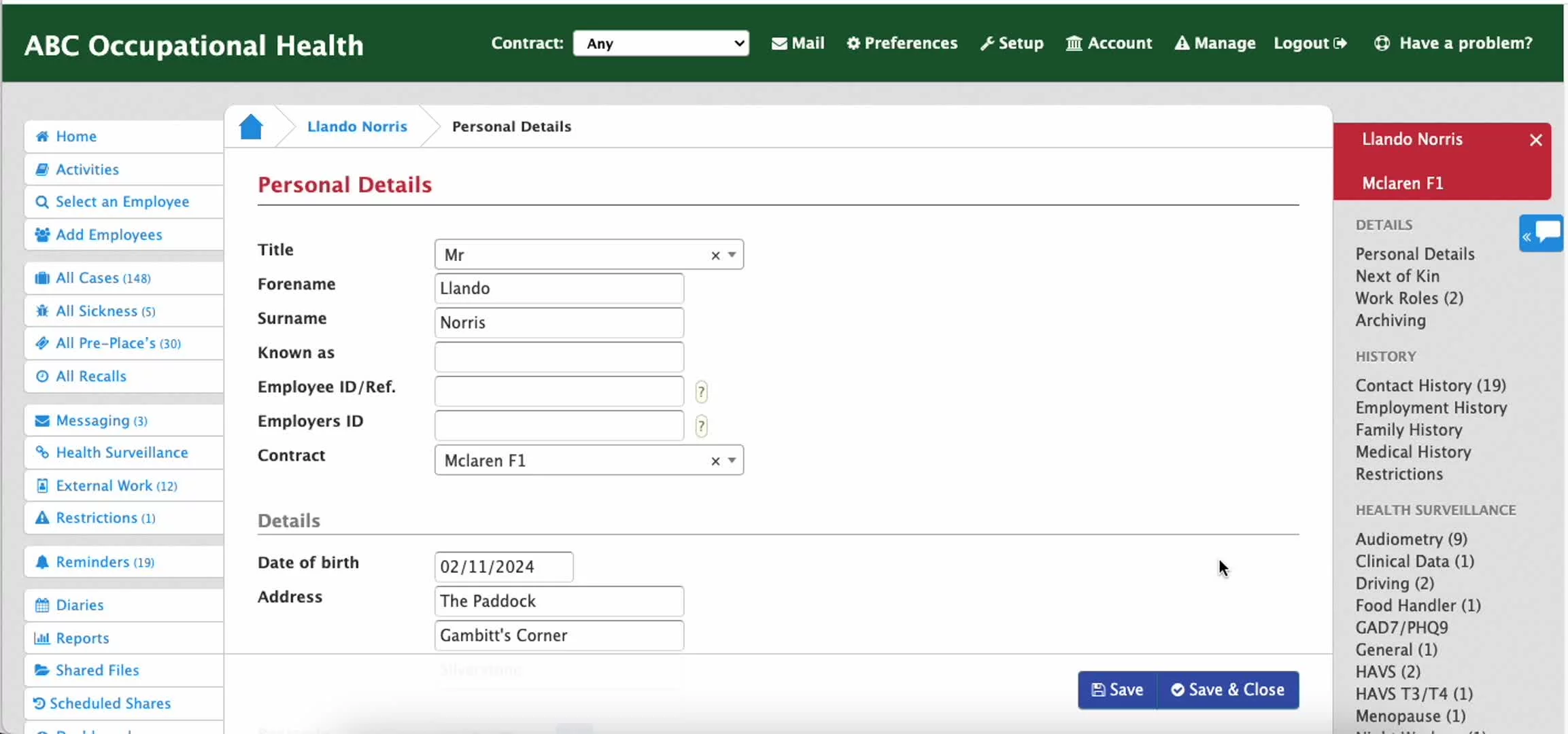
in this video we are showing you how to search for and upload new employees in the orchid software. If you would like to discuss integrating your HR software with Orchid for uploading new employees seamlessly, please get in touch.